
Download Fusion 360 – 3D modeling, CAD, CAM, CAE, PCB design, cloud-based, product design, engineering tools, manufacturing, collaboration
Overview
Fusion 360 is a cloud-based software platform developed by Autodesk, designed to serve as a comprehensive solution for 3D modeling, CAD (Computer-Aided Design), CAM (Computer-Aided Manufacturing), CAE (Computer-Aided Engineering), and PCB (Printed Circuit Board) design. The app is engineered to support users across multiple disciplines in the product development lifecycle, from initial concept to final manufacturing. Its core purpose lies in unifying design, engineering, and manufacturing workflows within a single, collaborative environment. This integration helps reduce project delays, minimize errors, and improve communication between cross-functional teams.
Target users include product designers, mechanical engineers, industrial designers, hobbyists, educators, and small to mid-sized manufacturing teams. The app is especially valuable for individuals and organizations that require end-to-end control over product development without relying on multiple disjointed tools. Real-world applications span consumer electronics, automotive components, medical devices, robotics, and architectural models. By enabling real-time collaboration and cloud-based access, Fusion 360 supports remote work and distributed teams, making it a vital tool in modern digital fabrication and innovation ecosystems.
Autodesk, the developer, is a well-established name in design and engineering software, lending credibility and long-term support to the platform. The app’s free availability broadens access, particularly for students and startups, fostering innovation across diverse sectors. Although the developer did not provide additional technical details about backend infrastructure or data encryption, the cloud-based nature implies secure data handling and version control.
Key Features & Functionality
Fusion 360 integrates a suite of powerful tools tailored to modern product development. The platform supports full-featured 3D modeling, allowing users to create complex geometries with precision using parametric, direct, and freeform modeling techniques. This flexibility enables both conceptual ideation and detailed engineering, making it suitable for everything from initial sketches to final production-ready models.
- Integrated CAD & CAE Tools: Users can perform structural analysis, thermal simulation, and motion studies directly within the environment, ensuring designs meet functional and safety requirements before physical prototyping.
- Advanced CAM Capabilities: The software generates optimized toolpaths for CNC machining, milling, and turning, enabling seamless transition from design to manufacturing with minimal manual intervention.
- PCB Design Integration: Fusion 360 allows for the design and simulation of printed circuit boards, including component placement, routing, and signal integrity checks, all within the same workspace as mechanical design.
- Real-Time Collaboration: Multiple users can work on the same project simultaneously, with changes synchronized instantly across devices. This is particularly useful for remote teams managing complex product development cycles.
- Cloud-Based Project Management: All project files, revisions, and documentation are stored securely in the cloud, allowing access from any supported device and enabling audit trails and version history.
For example, an engineering team designing a robotic arm can model the structure in CAD, simulate joint movements and stress points using CAE, generate CNC toolpaths for metal parts, design the embedded control board, and coordinate with team members across continents—all within a single interface. This streamlined workflow reduces development time and enhances design accuracy.
Interface, UX & Performance
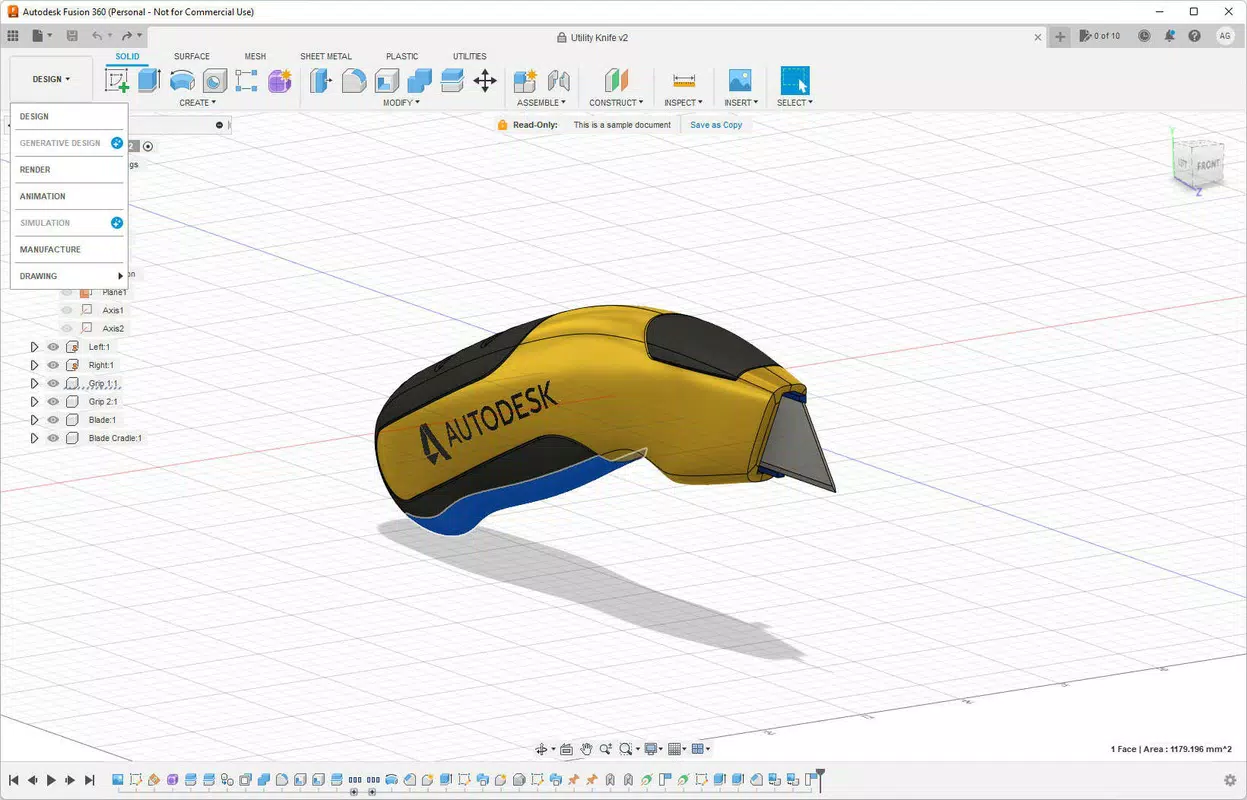
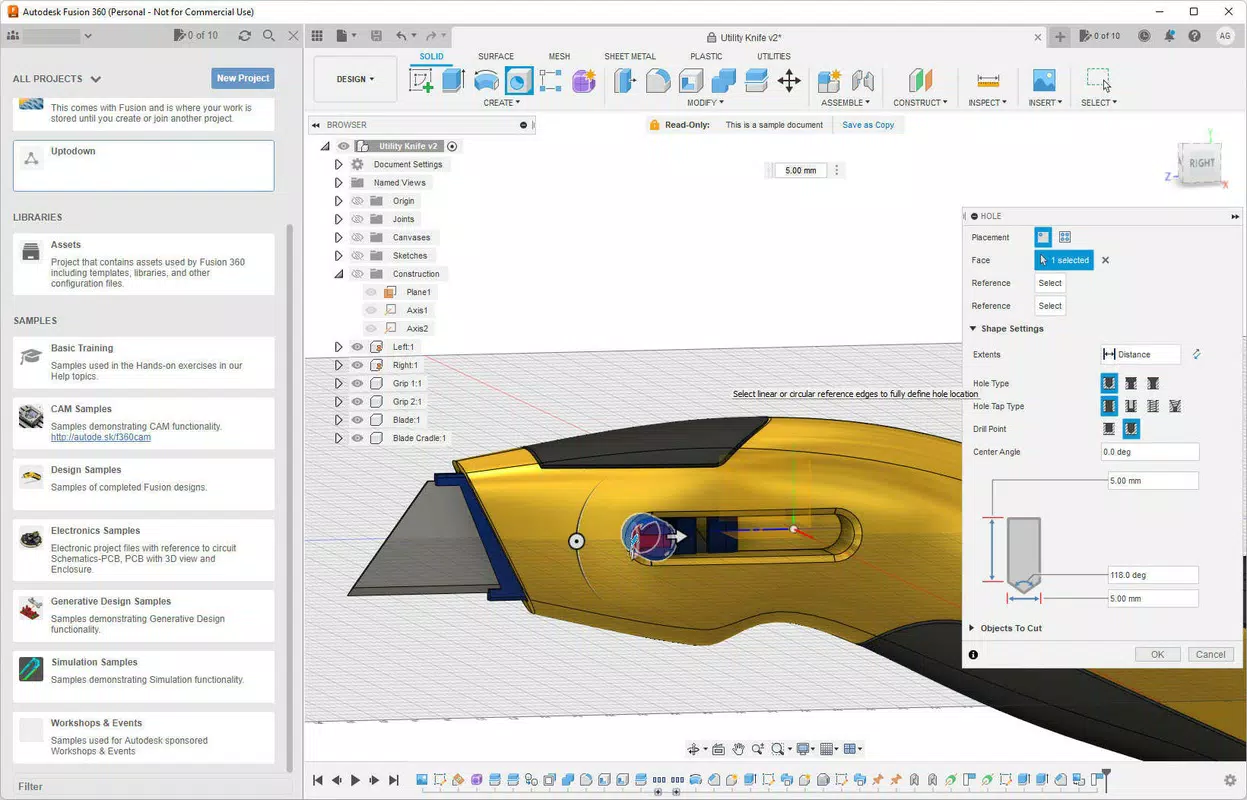
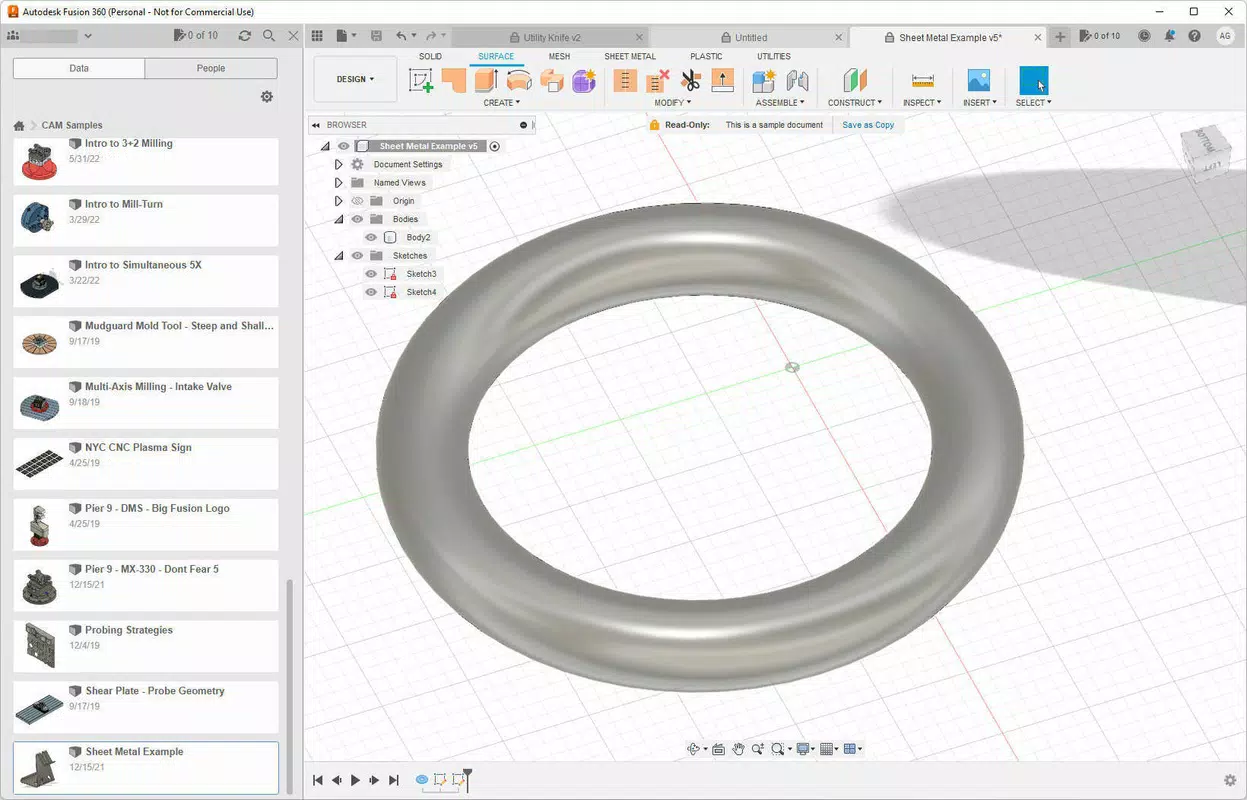
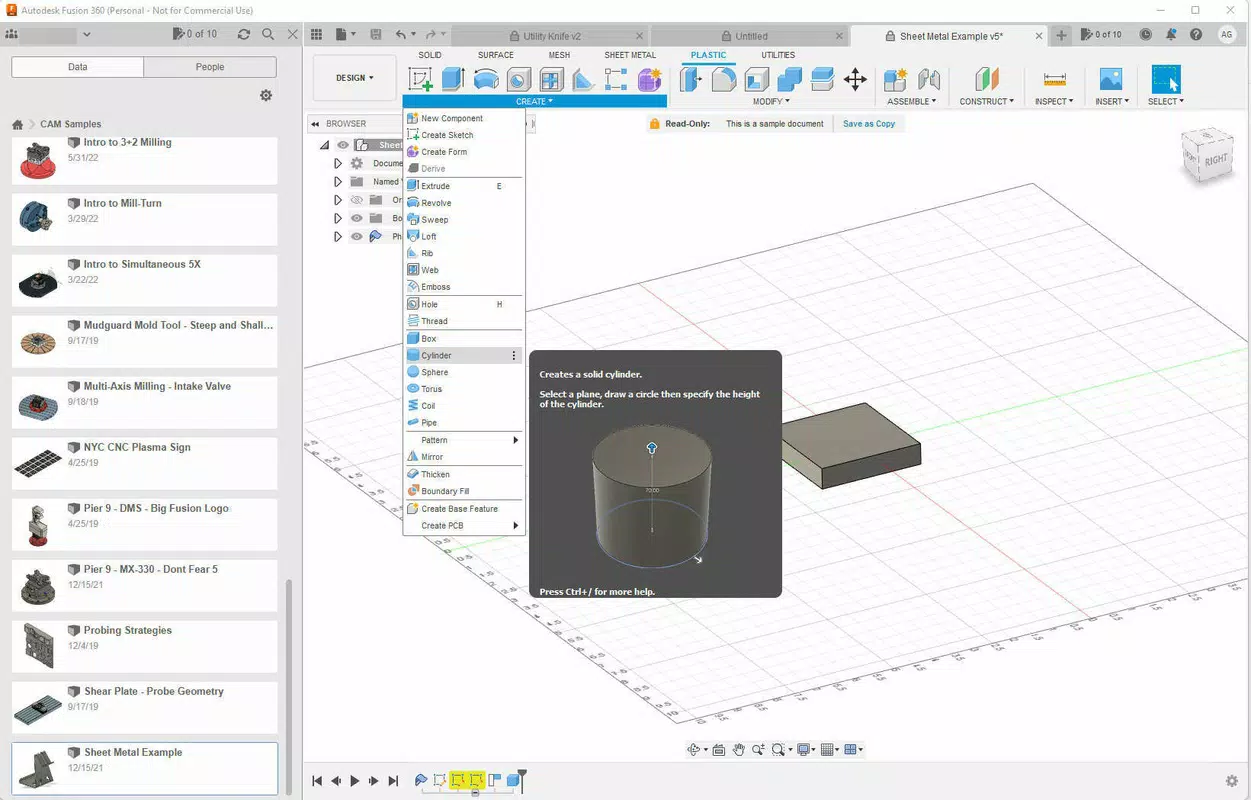
The user interface of Fusion 360 is designed with productivity in mind, offering a modular workspace that can be customized to suit different workflows. The layout includes a main canvas for 3D modeling, a timeline for design history, and a panel system for tools, parameters, and project data. Navigation is intuitive, with context-sensitive menus and keyboard shortcuts that accelerate common tasks.
Visual style leans toward a professional, clean aesthetic with a dark mode option, reducing eye strain during long design sessions. The responsiveness of the interface is consistent across supported platforms, though performance may vary depending on device capabilities. Although the developer did not list formal performance metrics, the app functions smoothly on mid-to-high-end devices across Windows, macOS, Linux, iOS, and Android.
Stability is maintained through regular updates and cloud synchronization, which ensures that all users are working with the latest version. The app handles large assemblies and complex simulations efficiently, though performance on lower-end hardware may be limited. Users are advised to ensure adequate RAM and GPU performance for optimal results. The developer did not specify minimum system requirements, so compatibility may vary based on individual device configurations.
Platform Compatibility & Technical Requirements
Fusion 360 is available on multiple platforms, including Windows, macOS, Linux, iOS, and Android. This broad compatibility allows users to access the app across desktop and mobile environments, enhancing flexibility for on-the-go design work and team coordination. The current version is 3.0.1, with a file size of 1.5 GB, which reflects the app’s comprehensive feature set and integration of multiple engineering modules.
While the app is free to download and use, the full suite of advanced features may require a subscription for commercial use. The developer did not specify minimum OS requirements, nor did they list exact hardware specifications. Users should ensure their devices meet general standards for running complex 3D design software. The app’s cloud-based nature means that local storage is not a limiting factor for project size, as files are stored remotely.
Pros and Cons
Pros
- Comprehensive suite of 3D modeling, CAD, CAM, CAE, and PCB design tools in one platform.
- Cloud-based collaboration enables real-time teamwork across different locations.
- Free access for students, educators, and hobbyists, promoting widespread adoption.
- Seamless integration between design, engineering, and manufacturing workflows.
- Available on multiple platforms, including mobile devices for remote access.
Cons
- Performance may be limited on lower-end or older devices.
- Advanced features require a paid subscription for commercial use.
- Large file size (1.5 GB) may be a concern for users with limited storage.
- Specific system requirements were not disclosed by the developer.
- Learning curve may be steep for complete beginners.
FAQ
Is Fusion 360 safe to download and use?
Yes, Fusion 360 is developed by Autodesk, a trusted software provider. The app is distributed through official channels and includes secure cloud authentication and data encryption.
Can I use Fusion 360 on my smartphone or tablet?
Yes, Fusion 360 is available on iOS and Android devices, allowing for mobile access to projects and basic design functions. However, full functionality is best experienced on desktop platforms.
Is Fusion 360 free for everyone?
Fusion 360 is free for students, educators, and hobbyists. Commercial users require a paid subscription to access the full feature set.
How often is Fusion 360 updated?
The app receives regular updates, with new features and performance improvements released periodically. Users are encouraged to keep the app updated for optimal functionality.
Can I collaborate with team members using different devices?
Yes, Fusion 360 supports cross-platform collaboration. Team members using Windows, macOS, Linux, iOS, or Android can work together in real time on the same project.
Final Thoughts
Fusion 360 stands out as a powerful, all-in-one solution for modern product design and engineering. Its integration of CAD, CAM, CAE, and PCB design within a cloud-based environment makes it ideal for professionals and learners alike. The platform excels in enabling collaboration, streamlining workflows, and supporting end-to-end product development. While the learning curve may be challenging for beginners, the long-term benefits in efficiency and innovation are substantial.
Students, educators, startups, and small engineering teams will find the free tier particularly valuable. The app’s cross-platform availability and robust feature set make it a leading choice in the digital design space. For anyone involved in product creation—whether for personal, academic, or commercial purposes—Fusion 360 offers unmatched versatility and scalability.
Download Fusion 360 now


